
Shoes
Start with the shape of the shoe, then compare the details. Sneakers, casual shoes and boots have separate lists; the product gallery and available QC let you look beyond the cover photo.
Your next find starts here.
Explore the PonyBuy Spreadsheet by the item you want: sneakers, tops, trousers, bags and more. Keep product photos, reference prices and available QC together while comparing your next find.
Image search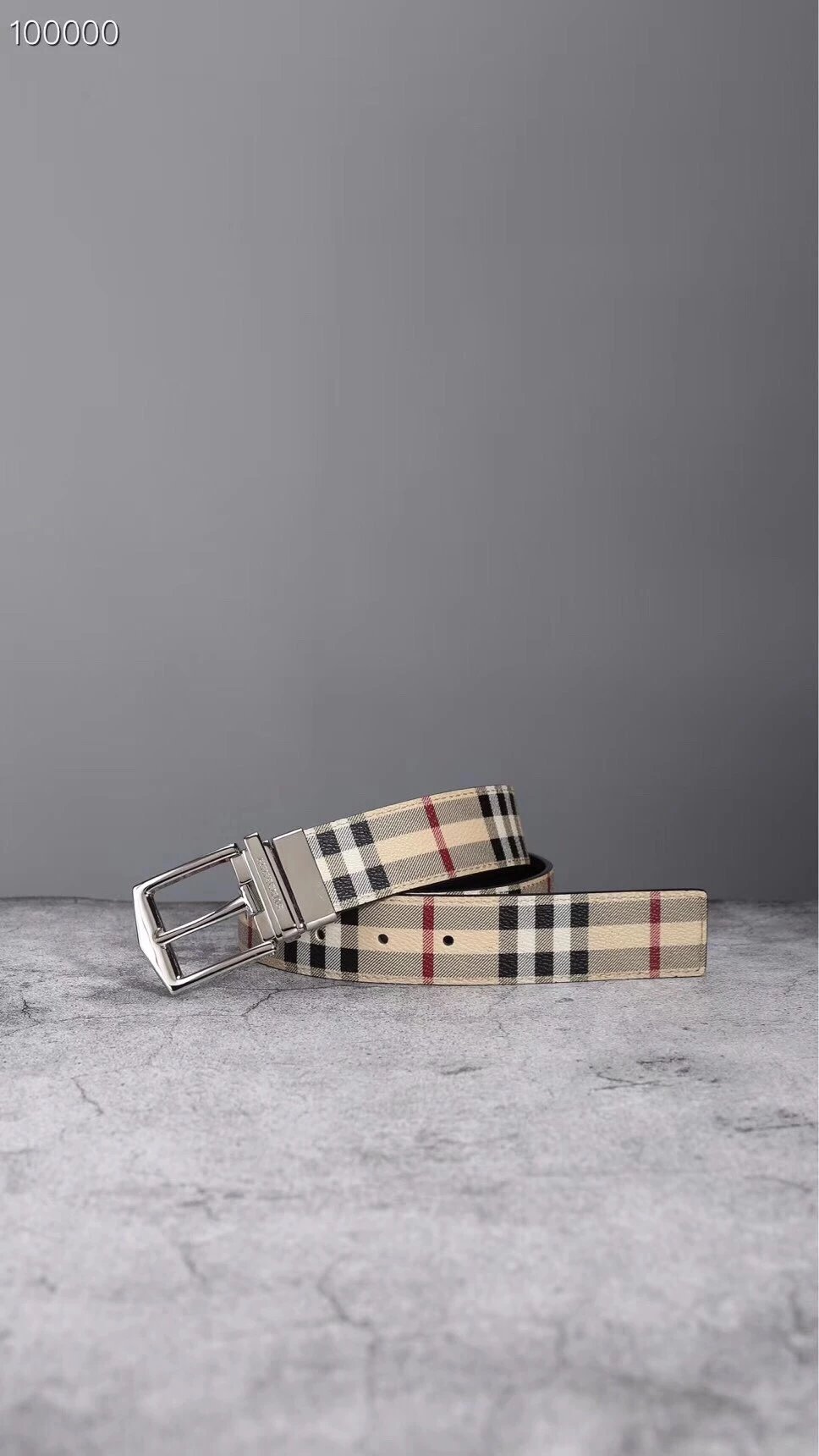
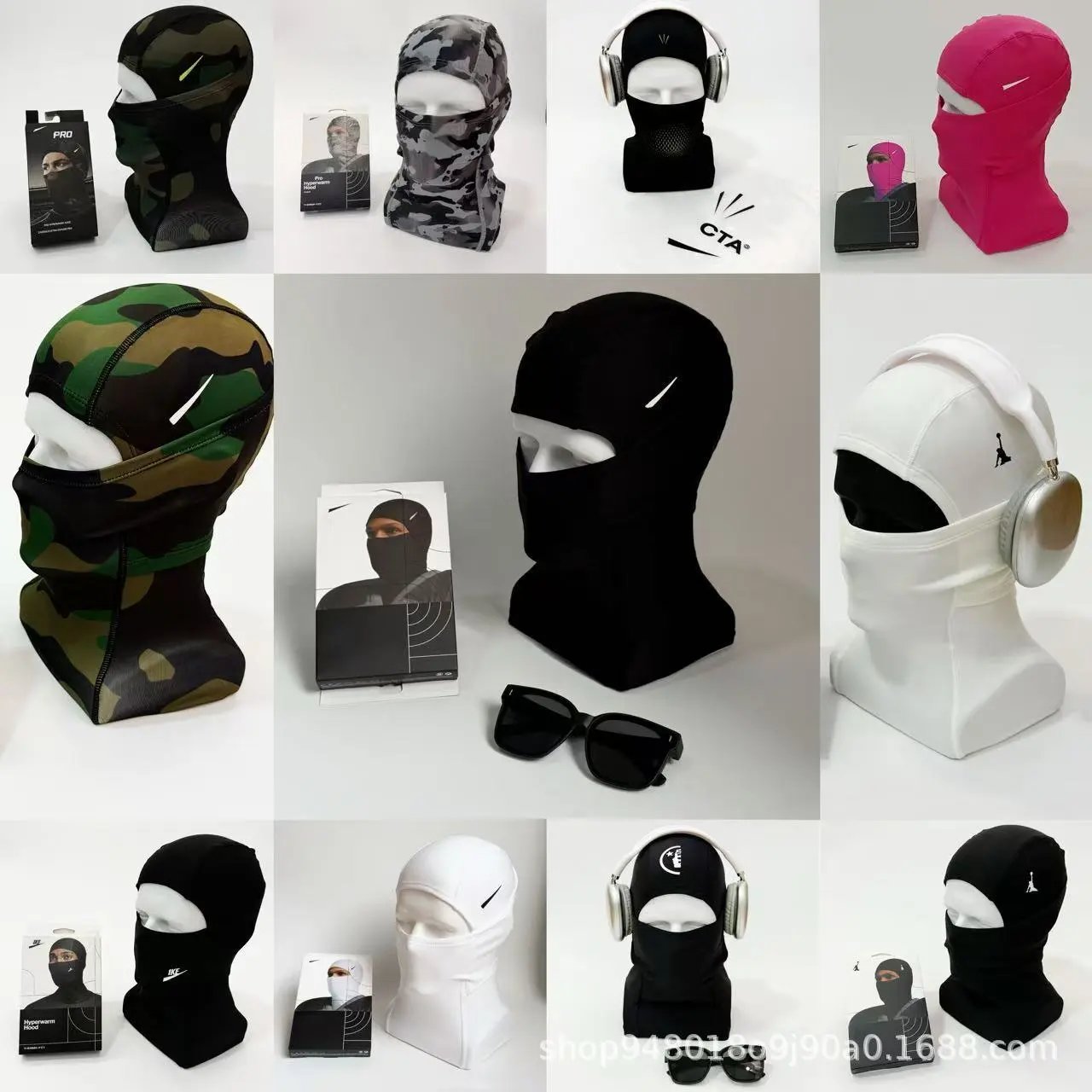
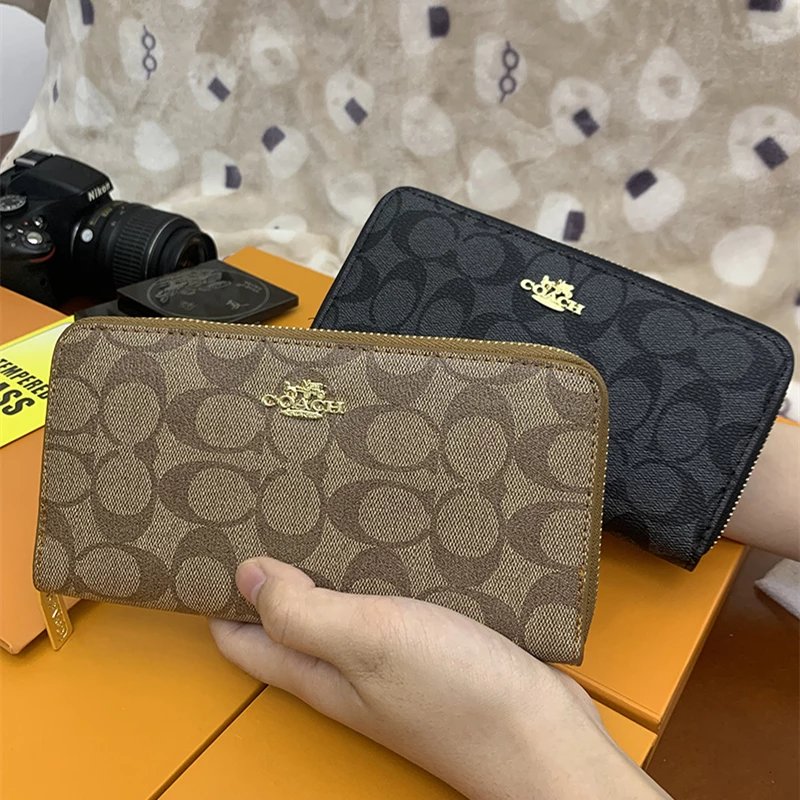
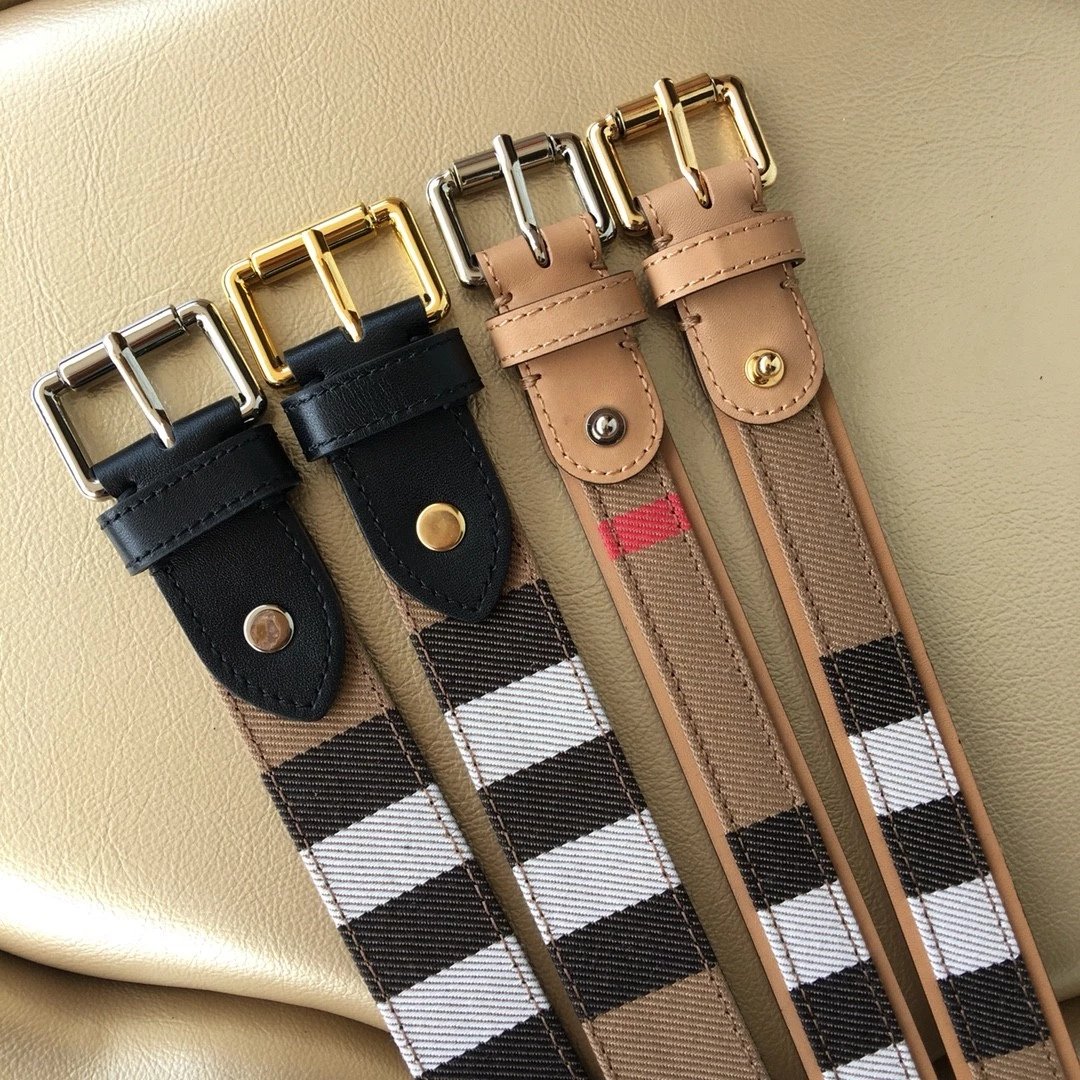
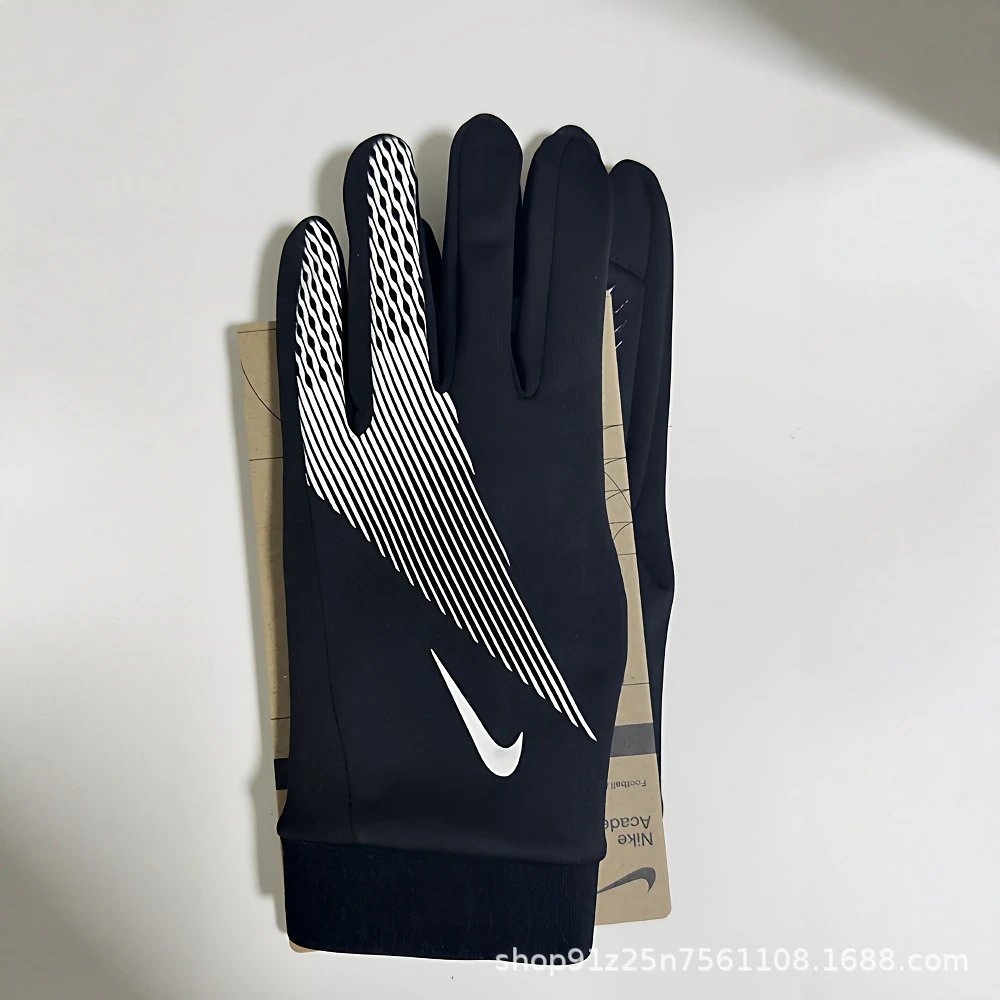
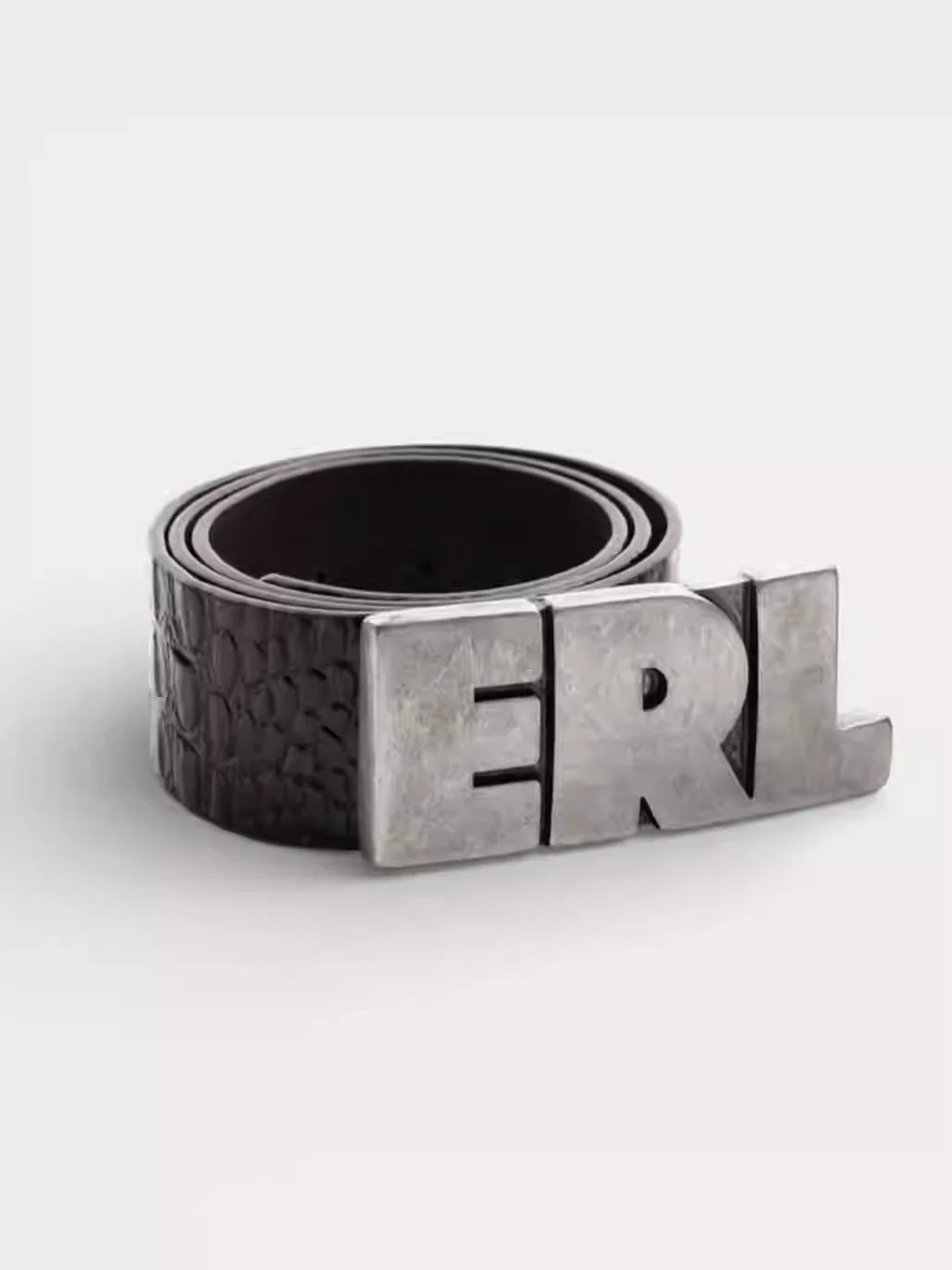
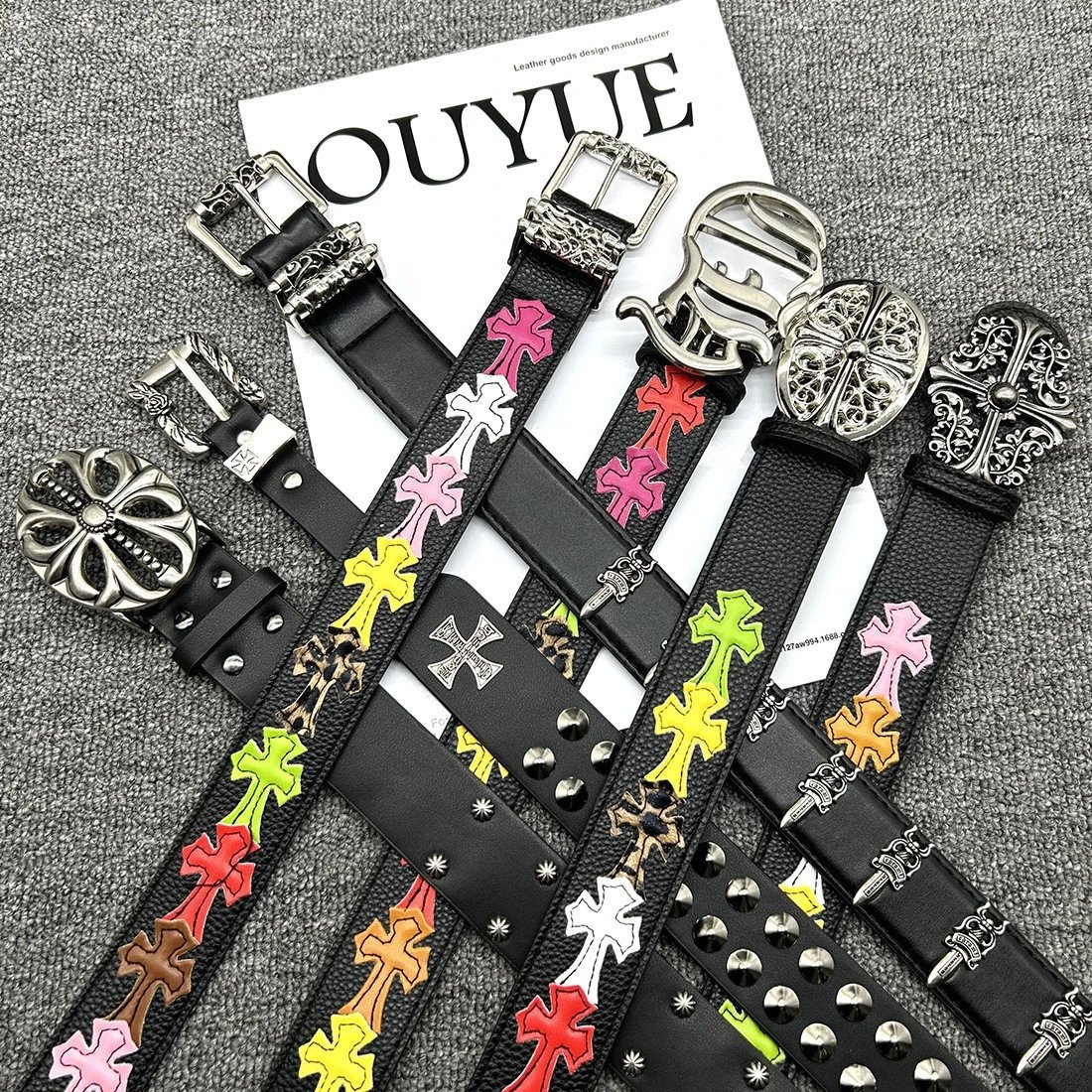
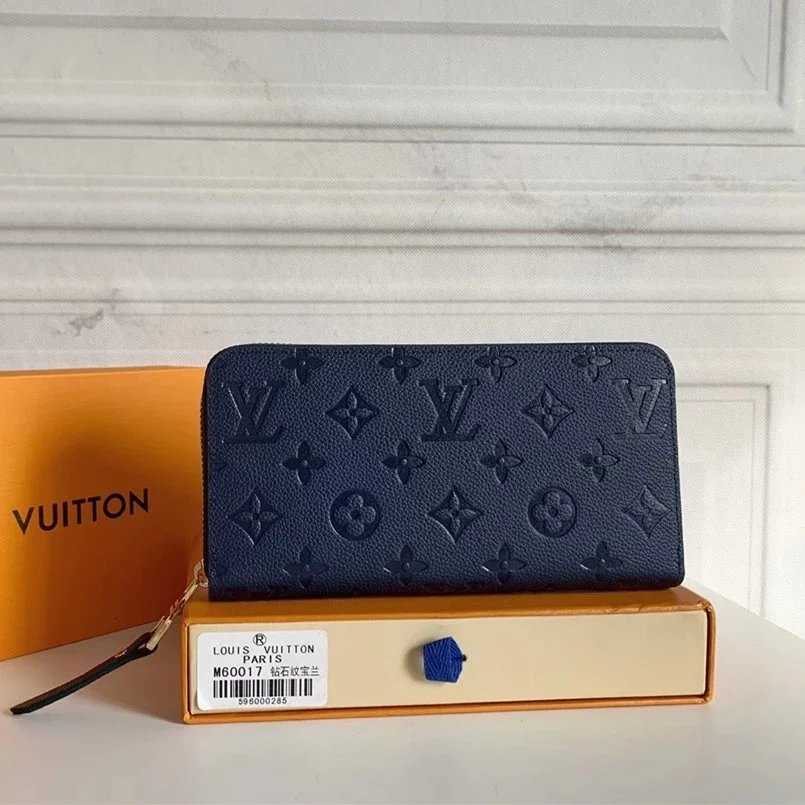
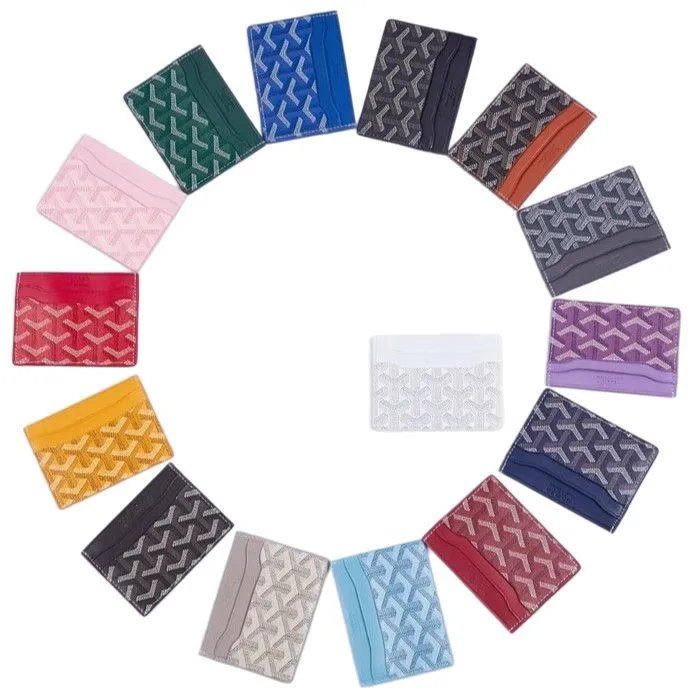
Start with the shape of the shoe, then compare the details. Sneakers, casual shoes and boots have separate lists; the product gallery and available QC let you look beyond the cover photo.
Graphic tees, simple polos, shirts and hoodies sit in focused lists. Search a model or print you recognise, then use the photos to compare the neckline, sleeves and front design.
Explore jeans, trousers and shorts by cut and finish. Look at the leg shape and pocket placement in the photos; a similar look can still have different measurements on the current listing.
Find a jacket or coat without searching through every top. Compare the collar, closure and panel construction across the gallery, and use available QC for another view of the photographed piece.
Matching outfits are grouped here so the separate pieces are easier to compare. The purchase page is where to check whether the pictured top and bottom are sold as a set or as individual options.
Keep everyday basics together: underwear, socks and related layers. Look closely at pack quantities and the photos for each option before checking the exact selection on PonyBuy.
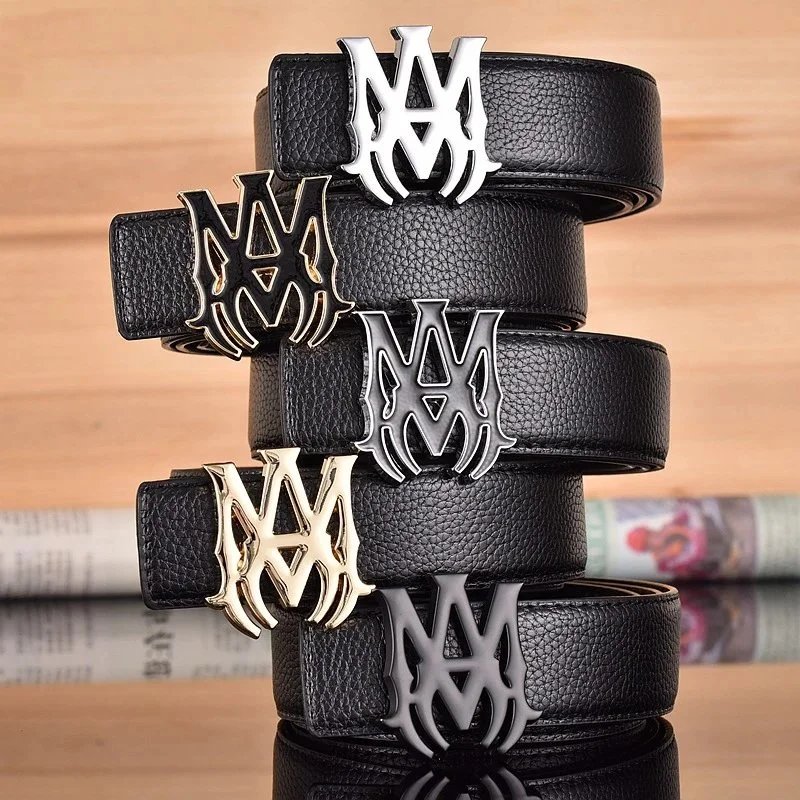
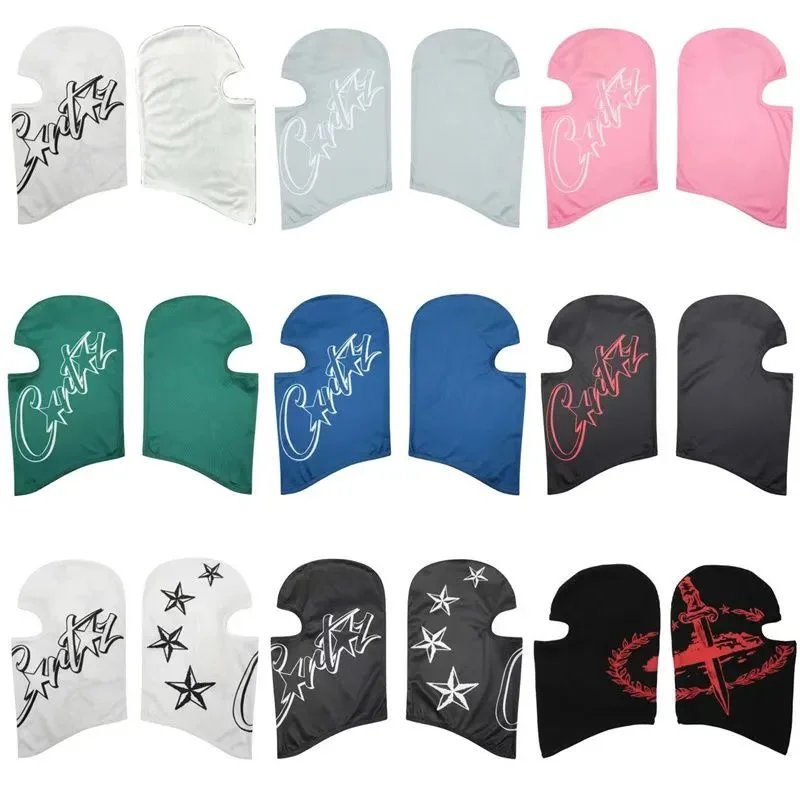
Bags, belts and hats make useful starting points for the accessory list. Compare overall proportions first, then open the full photo for closures, buckles and other small details.
Search by device or model when you need a specific accessory. Photos help identify the layout and connectors, while compatibility and the included parts need a check on the destination listing.
Find the items that do not belong to the clothing departments. Search with a clear item name, compare the available images, and open the current source listing to check materials and dimensions.
Start with a product name or browse the category index. Each find has its own page with reference pricing, product pictures, pictured styles and any available QC. Compare candidates here, then check the current item on PonyBuy before making purchase choices.
Open Categories to see the departments and their subcategories. Sneakers belongs to Shoes, Hoodies to Tops, and Bags to Accessories. The narrower lists help when you already know the type of item; a department is useful for a broader browse.
Yes. Use a model name, brand or short description in the search box. If results are sparse, shorten the phrase and check the active filters. Product titles can differ from the wording in a saved reference; image search offers another starting point.
Yes. Brand and sort controls refresh the list immediately while keeping the current search and category. A change starts at page one. Active conditions appear above the items and can be removed individually; Reset starts a fresh list.
No. They show the photographed item and can help you compare visible details with its product images. Some finds have no QC. These pictures are not proof of authenticity, current stock or the condition of a future order. Review the inspection photos for your own purchase when available.
Select the main product photo or a QC image to open its full-image viewer. Move between pictures, zoom, and close the viewer to return to your place. The product and QC galleries are separate, so check both when comparing a find.
No. A style thumbnail changes the main photo for comparison. It does not select a size, reserve stock or add an item to a cart. Make the final colour, size, quantity and other choices on the current PonyBuy listing.
For supported Weidian items, the link carries that source product ID and this site’s referral code. It opens the supplied PonyBuy mobile product route. Check that the destination shows the item you expect; an unavailable page or verification screen does not confirm a purchasable offer.
The displayed amount is for comparison, initially in US dollars when exchange rates are available. Different options, rate changes or an updated seller offer may change the amount. Choose a display currency in the header and confirm the final selection and current price on PonyBuy.
Open Image search and upload, drop or paste a JPG, PNG, WebP or GIF up to 20 MB. A clear view of the item helps you compare the returned visual matches. Open a result to inspect its title and photos; visual similarity does not establish that two listings are identical.
Check the current destination listing for the exact style, size chart, quantity and availability before ordering. The pictures and reference information here cannot reserve an item or confirm every option remains on sale. If a listing has disappeared, return to the list and compare another find.
PonyBuy Lists is an independent browsing guide. Its referral links may earn a commission. PonyBuy handles its accounts, orders and payments; use that platform’s support for questions about an existing purchase. Browsing this guide does not create an account or order.